Stop collecting advice. Build one real product.

The Product Workbench is a hands-on workshop for creating your first digital product. Every guide comes with a worksheet, and every worksheet ends in a decision, so you move from a blank page to a finished, packaged product one step at a time.

  • One-time payment
  • Instant digital download
  • 60-day money-back guarantee
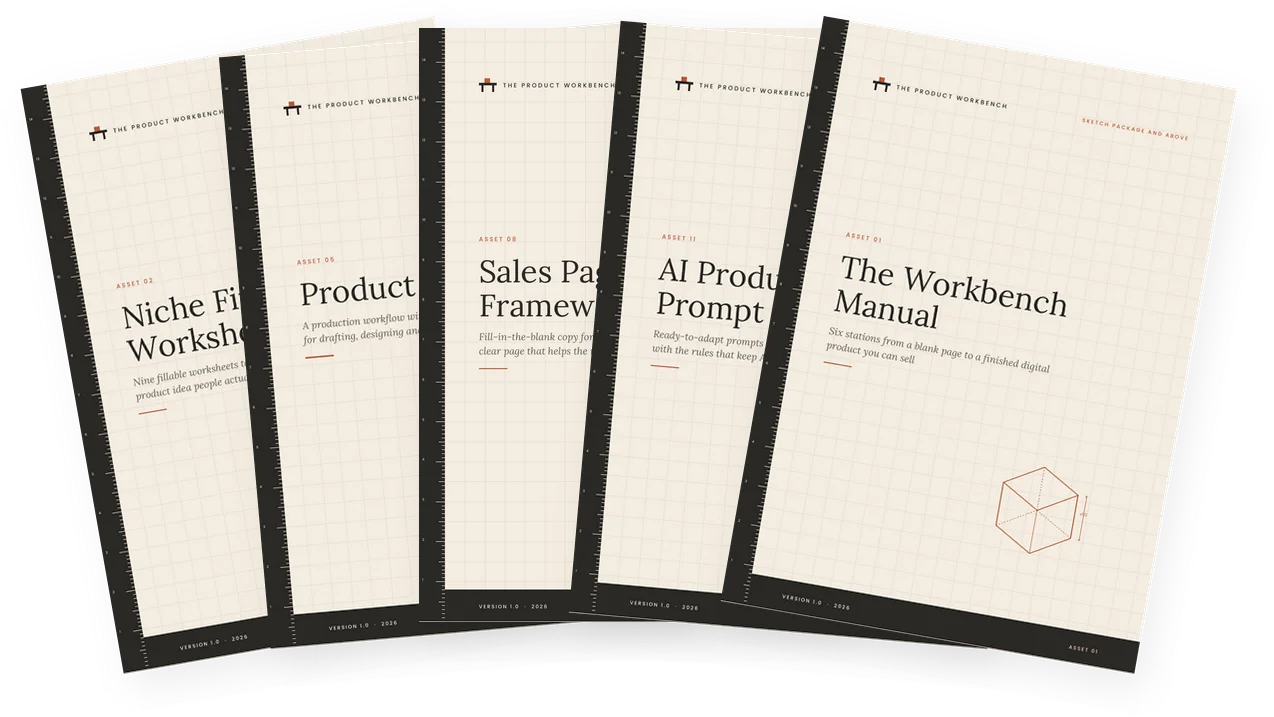
Covers of five Product Workbench files: Niche Finder Worksheets, Product Building Kit, Sales Page Copy Framework, AI Production Prompt Library and The Workbench Manual

The knowledge is everywhere. The finished product is not.

You have probably saved the videos, bookmarked the threads and started a course or two. You know a lot about creating digital products. You just have not made one yet.

That is not a motivation problem. Learning feels like progress, so it is easy to keep learning. What is missing is a place where you stop reading and start building: a clear order of work, and a tool in your hand at every step.

That is what The Product Workbench is. It is built around doing. You pick one product idea on the first day and work on it until it is finished, tested, priced and ready to sell.
Does your desk look like this?

  • A list of product ideas, none of them chosen
  • Notes from three courses that disagree with each other
  • A half-written guide you have rewritten twice
  • No idea whether anyone would actually buy it
  • A price you keep changing in your head

Six stations, in order

The Workbench Manual takes you through six stations. Each one answers one question and ends with a decision you write down. You do not move on until it is done.

  1. Pick

    Choose a specific problem worth solving, for a specific person.

  2. Prove

    Check real demand before you build, using four kinds of signal.

  3. Plan

    Write one clear promise, choose a format and outline it.

  4. Produce

    Build version one in short sprints, then test it with real people.

  5. Package

    Name it, set up the files, price it and choose how to deliver it.

  6. Present

    Write an honest offer page and reach your first buyers.

Every guide has a worksheetOver 2,000 fillable fields and checkboxes across the full set, so you work on the page, not in your head.
One worked example throughoutA fictional designer builds her own product alongside you, so you can see what good work looks like at each step.
Honest by designNo hype, no income claims. The files teach you to validate, describe and sell your product truthfully.

Look inside

These are real pages from the files, not mock-ups. Scroll sideways to see more.

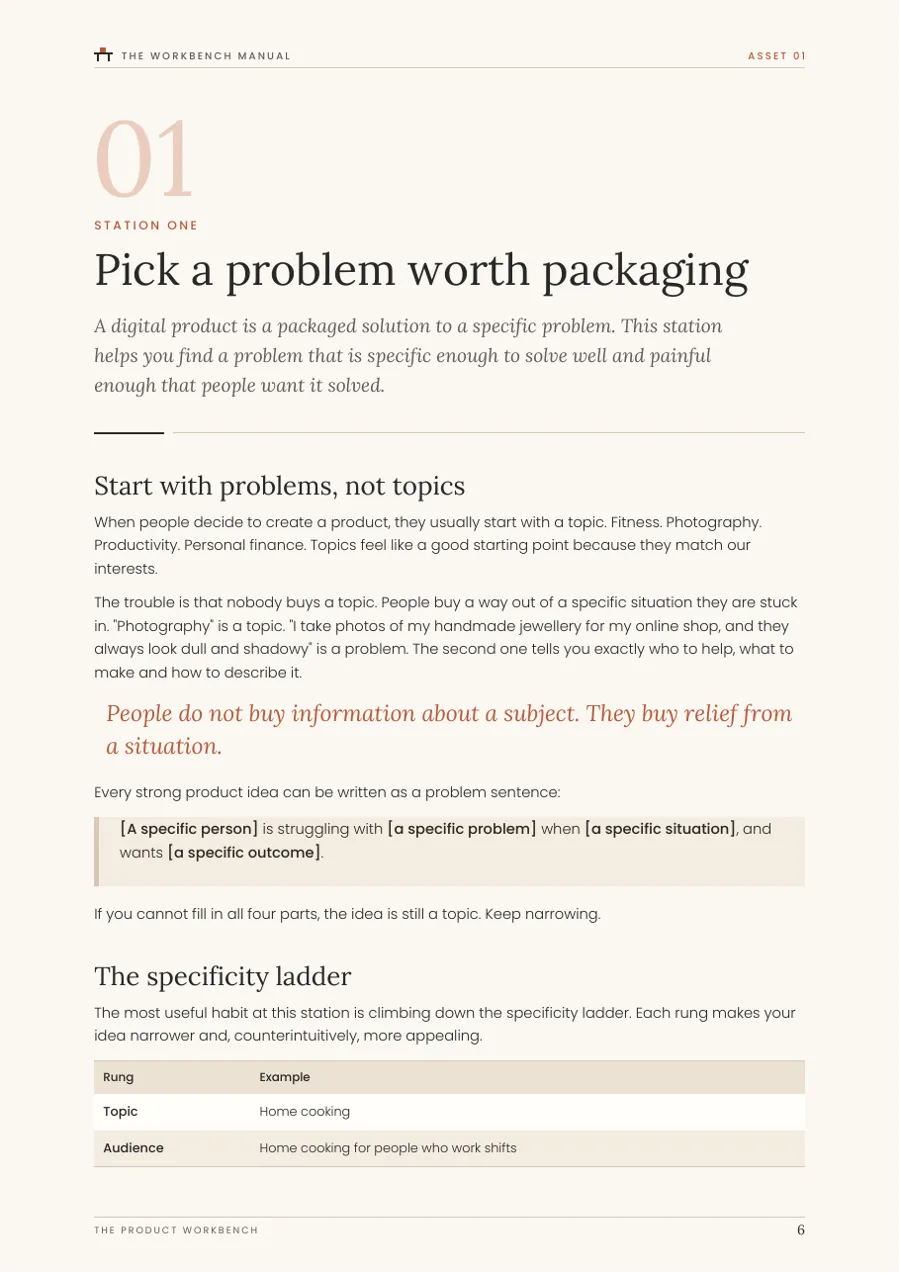
A real page from The Workbench Manual
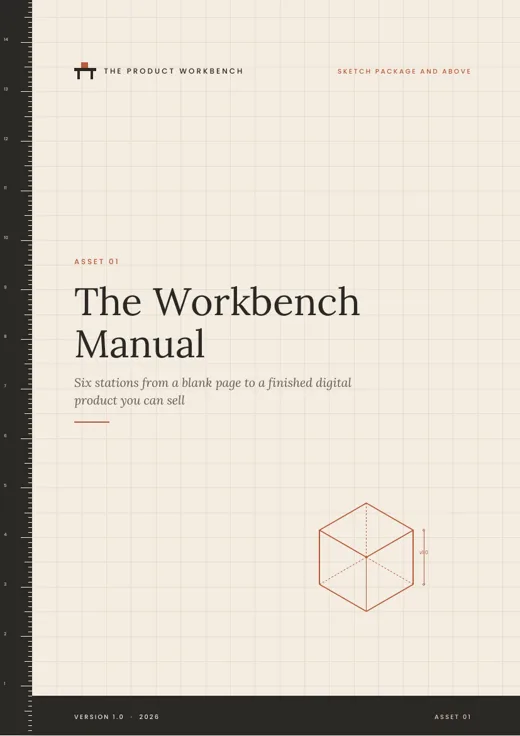
The Workbench ManualEach station opens with the question it answers and what you will have when you finish.
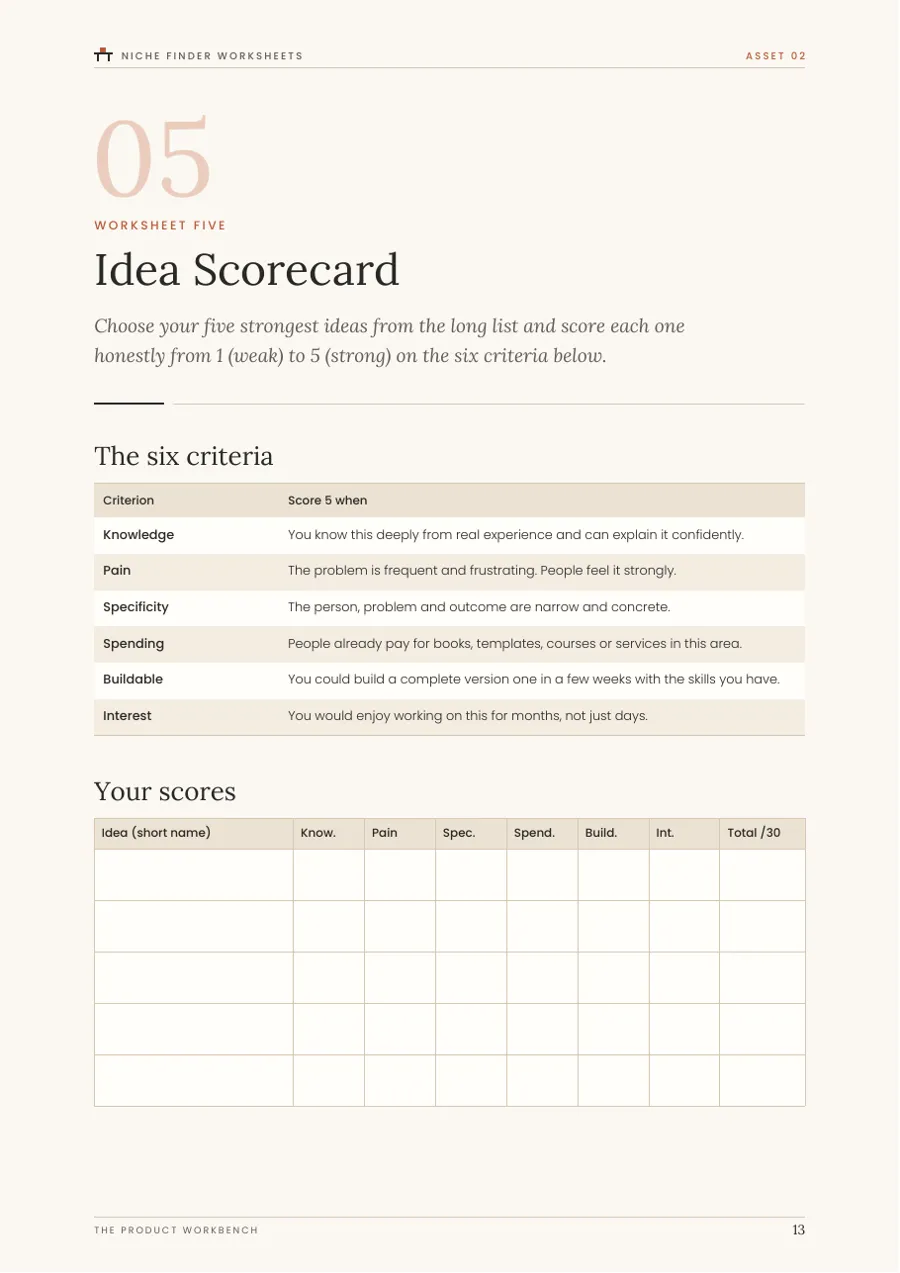
A real page from Niche Finder Worksheets
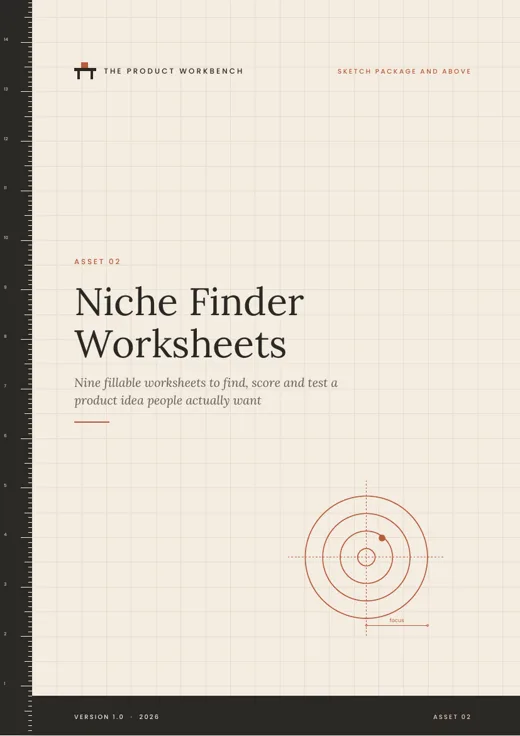
Niche Finder WorksheetsScore your five best ideas on six criteria, then build a shortlist.
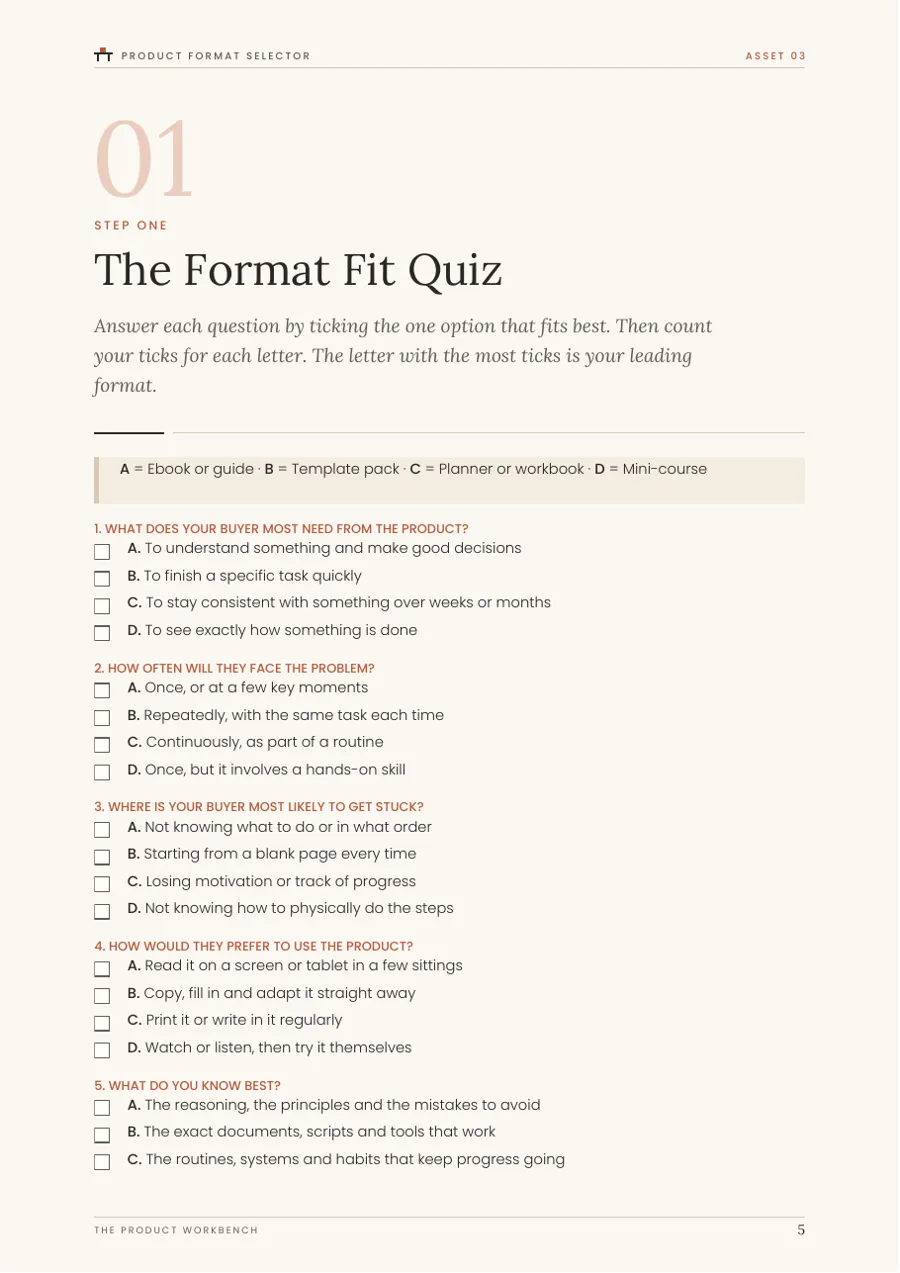
A real page from Product Format Selector
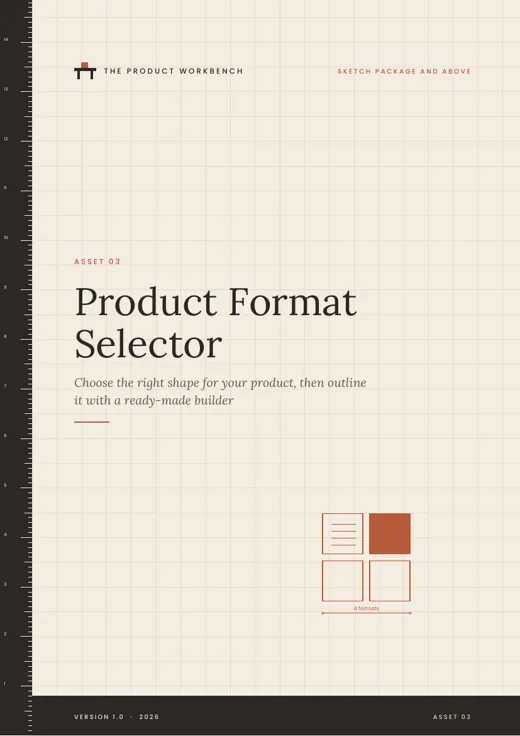
Product Format SelectorAn eight-question quiz to find the format that suits your buyer.
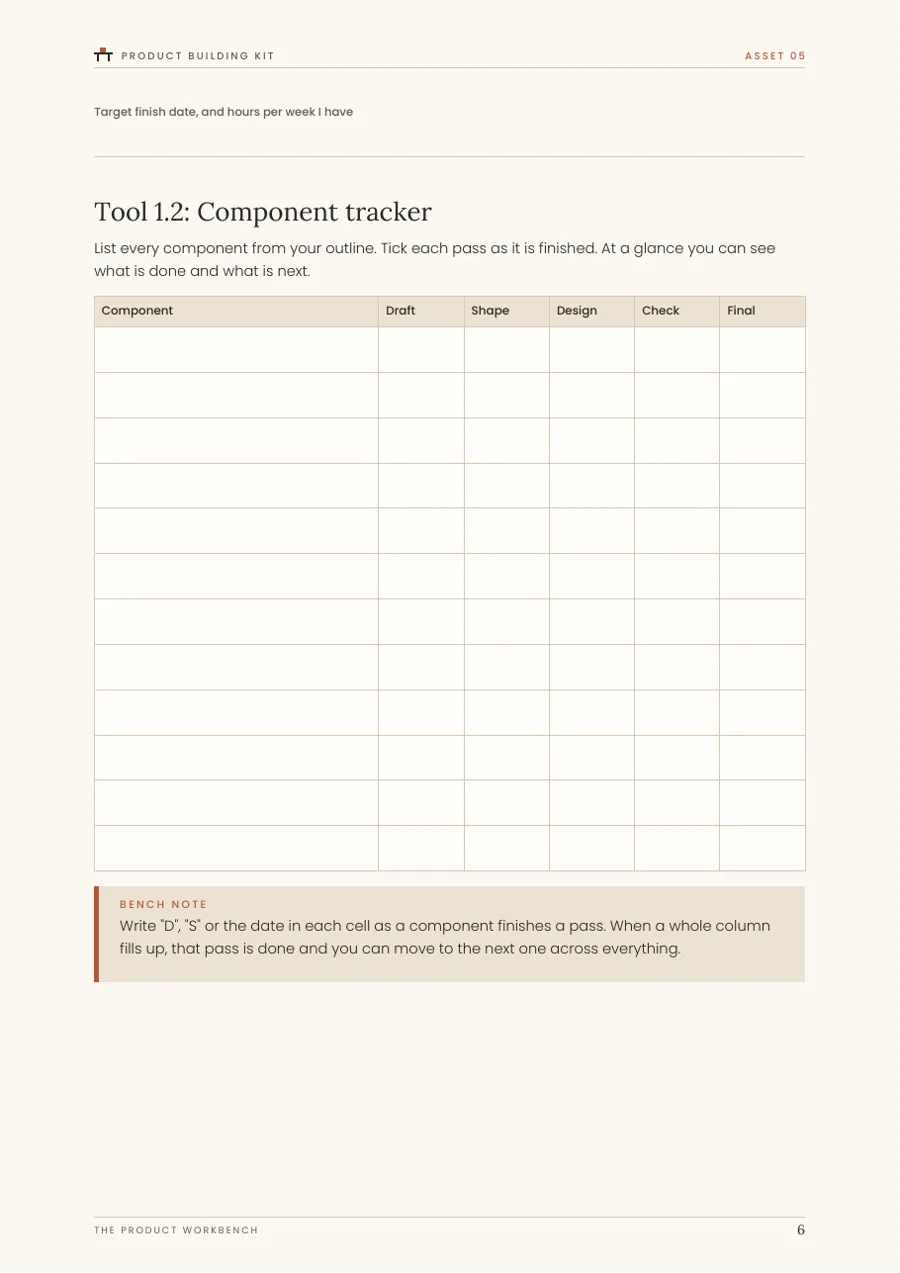
A real page from Product Building Kit
Product Building KitTrack every component through draft, shape, design, check and final.
A real page from Pricing & Packaging Calculator
Pricing & Packaging CalculatorCompare up to four prices after fees, commission, tax and refunds.
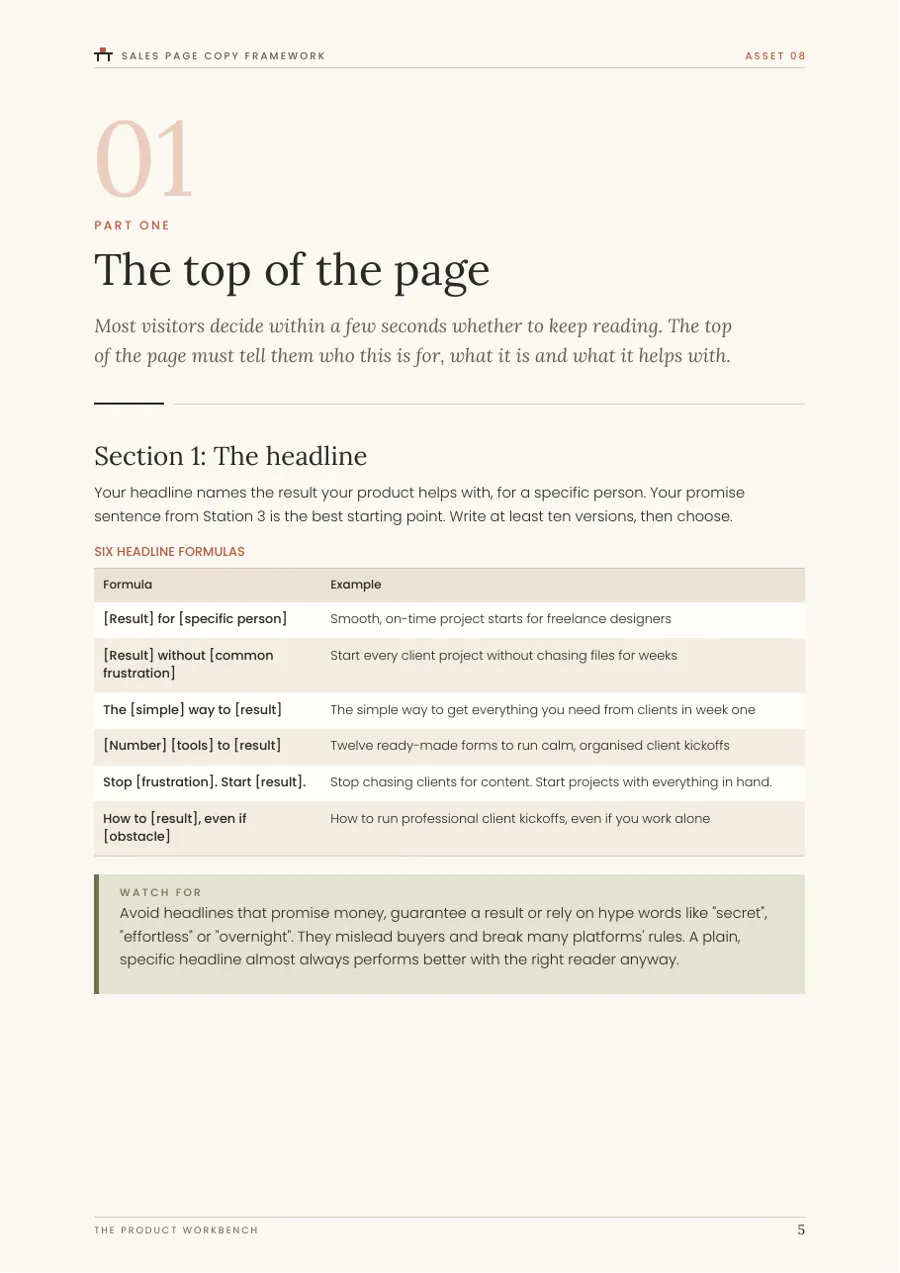
A real page from Sales Page Copy Framework
Sales Page Copy FrameworkHeadline formulas with examples, then space to write your own.
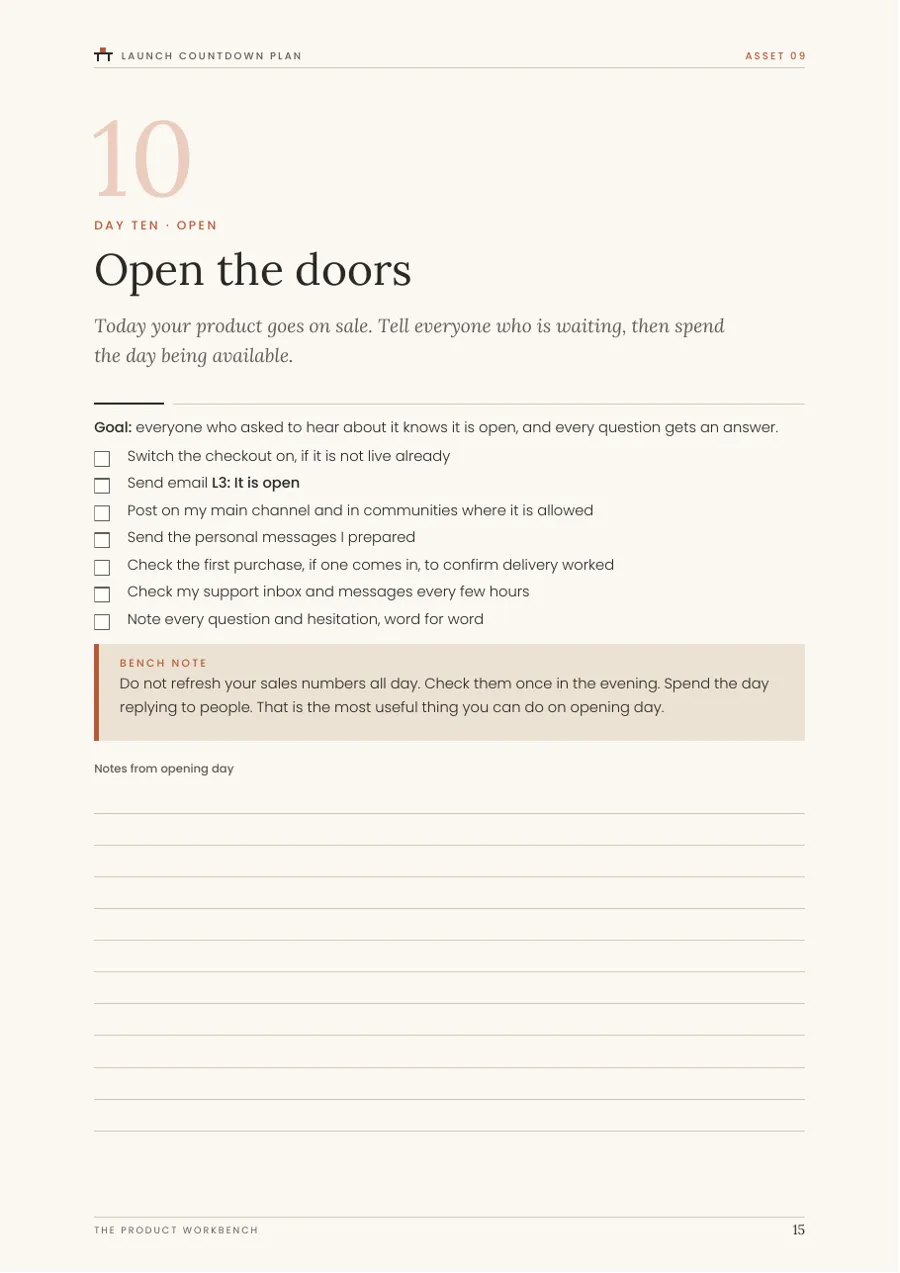
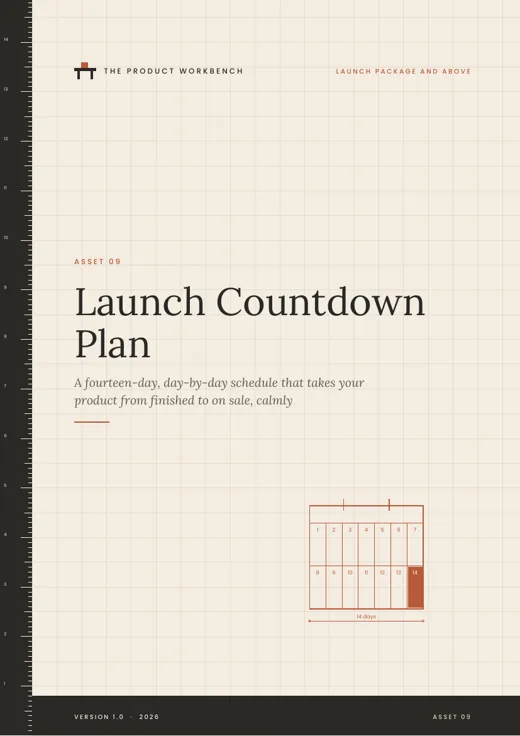
A real page from Launch Countdown Plan
Launch Countdown PlanOne page per day, with the tasks and the email for that day.
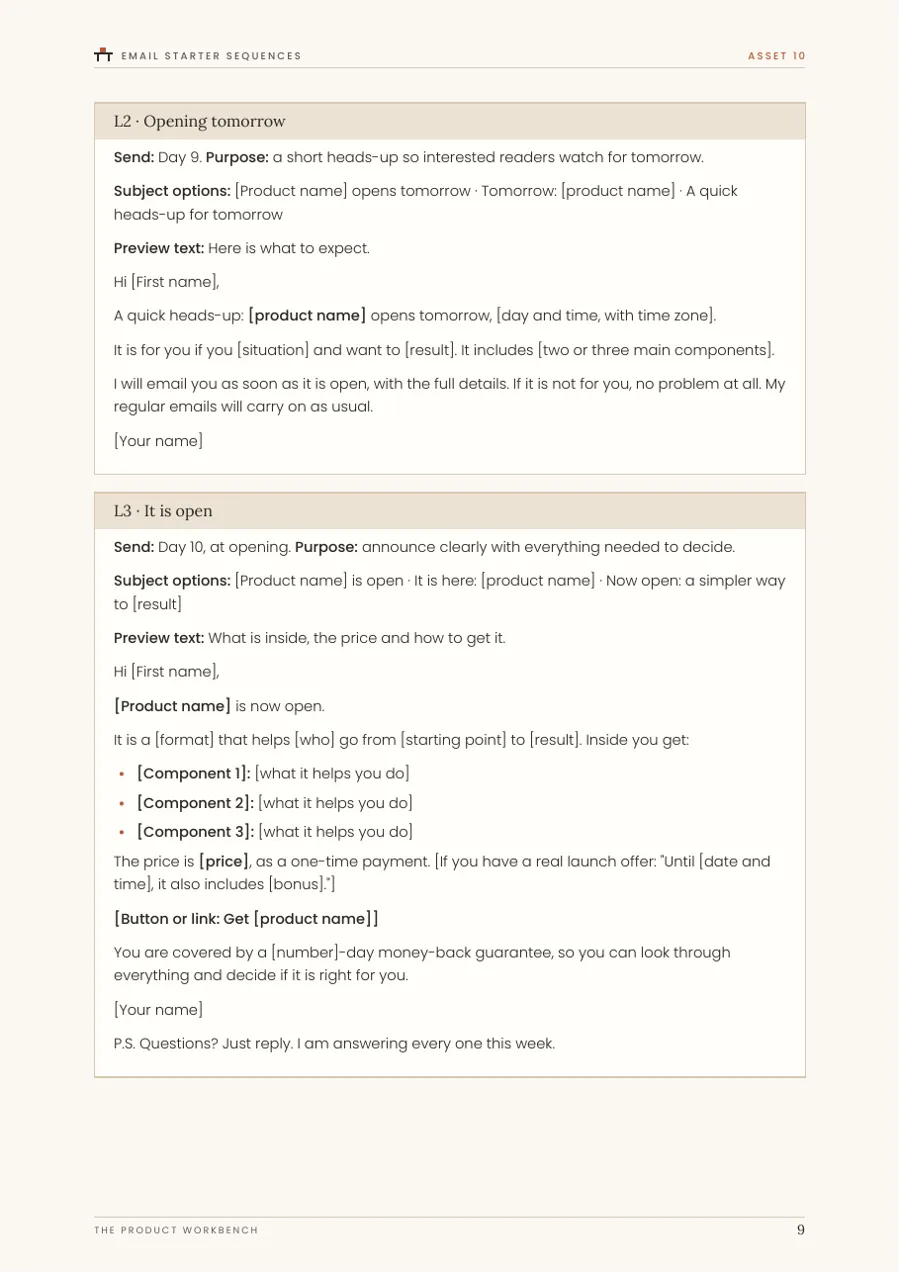
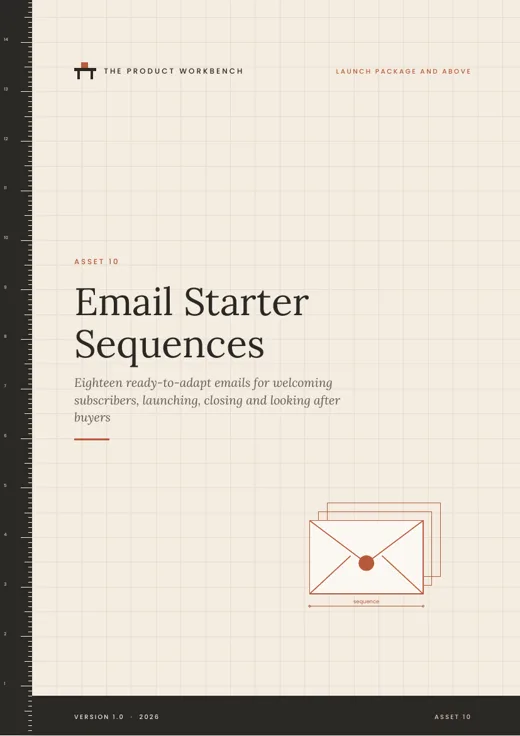
A real page from Email Starter Sequences
Email Starter SequencesEach email has its timing, purpose, subject lines and a body to adapt.
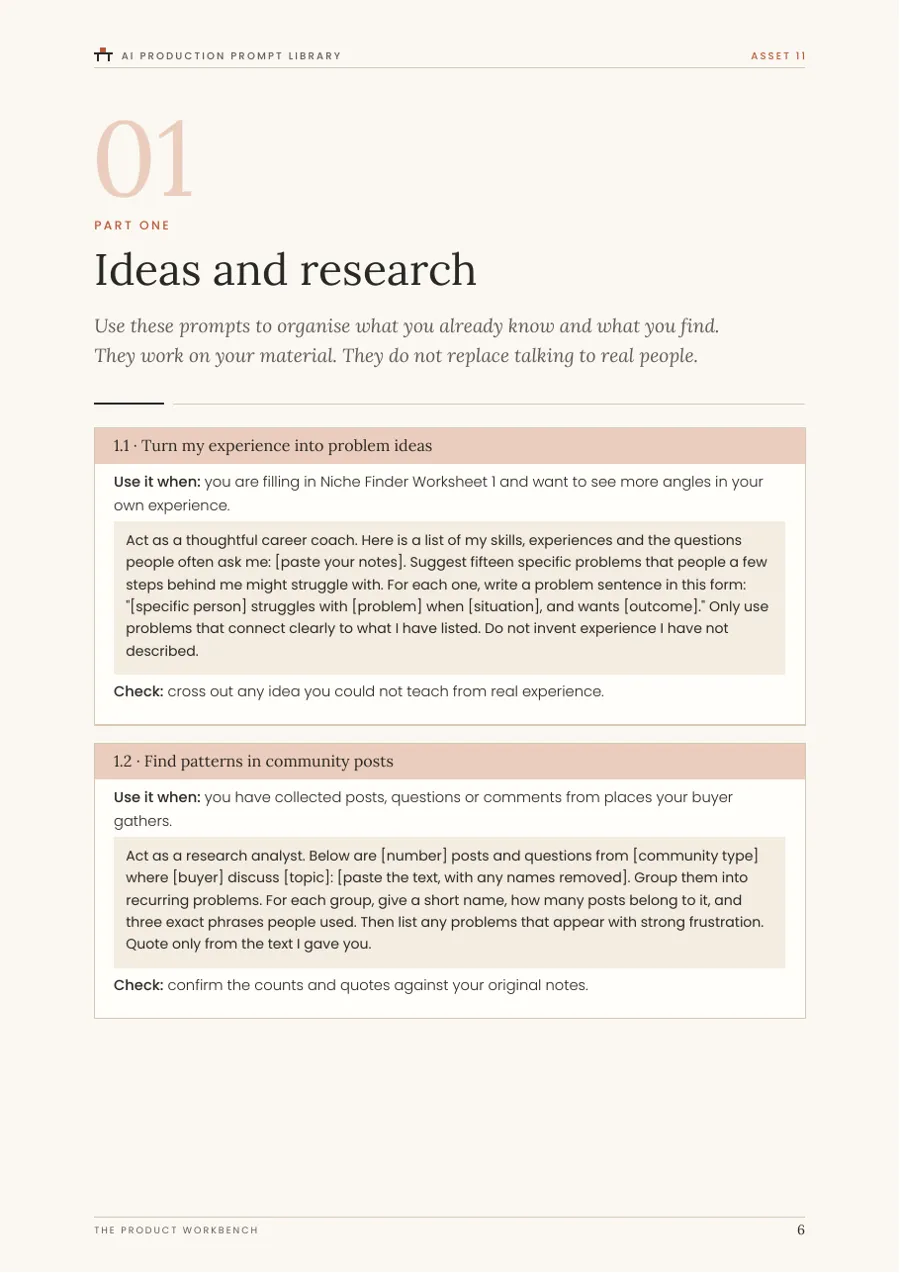
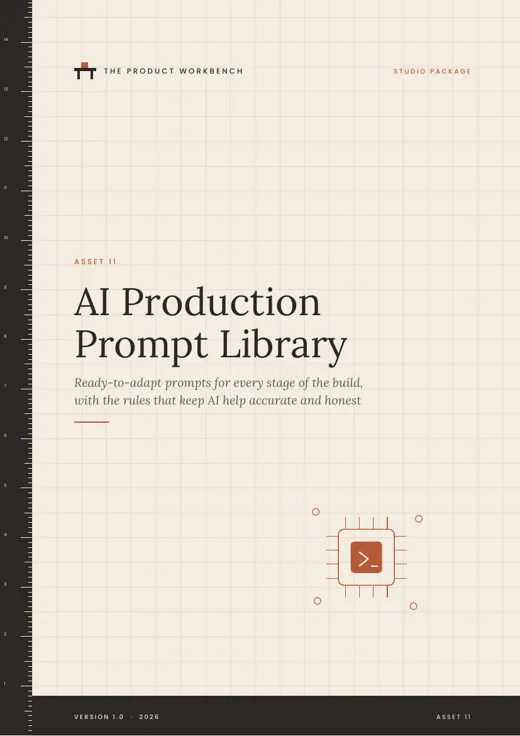
A real page from AI Production Prompt Library
AI Production Prompt LibraryPrompts in copyable blocks, each with a check step.
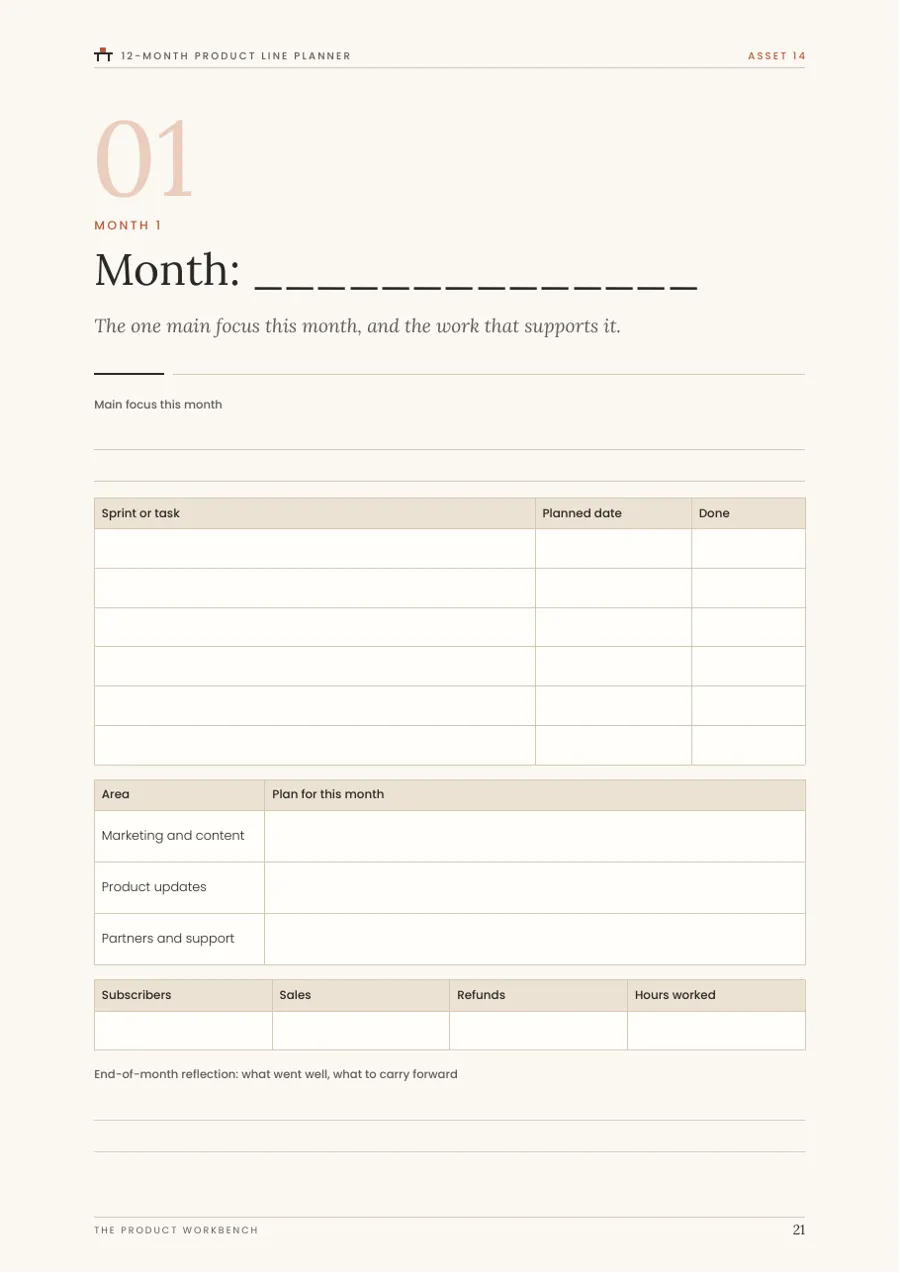
A real page from 12-Month Product Line Planner
12-Month Product Line PlannerA planning page for every month of the year.

Four packages. Start where you need to.

Each package builds on the one before it and is complete on its own. Every package is a one-time payment with instant download and a 60-day money-back guarantee.

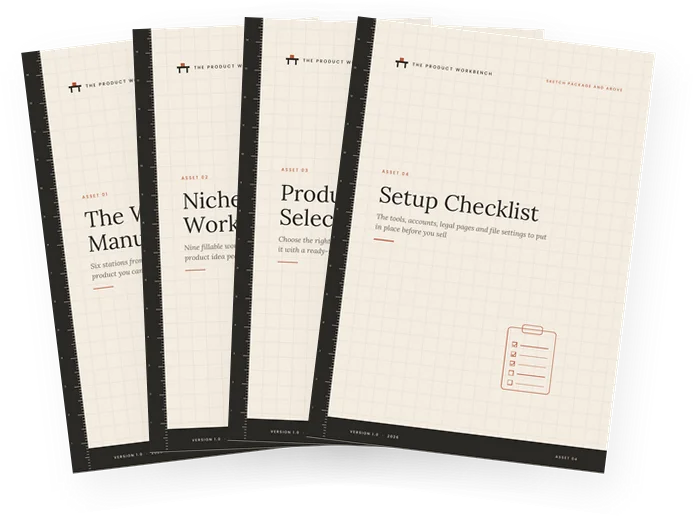
Covers of files included in the Sketch package

Sketch

For choosing an idea with evidence and setting up properly.

€185

One-time payment. No subscription.

Five files:

  • Workbench Orientation
  • The Workbench Manual
  • Niche Finder Worksheets
  • Product Format Selector
  • Setup Checklist
Get Sketch for €185

Instant digital download

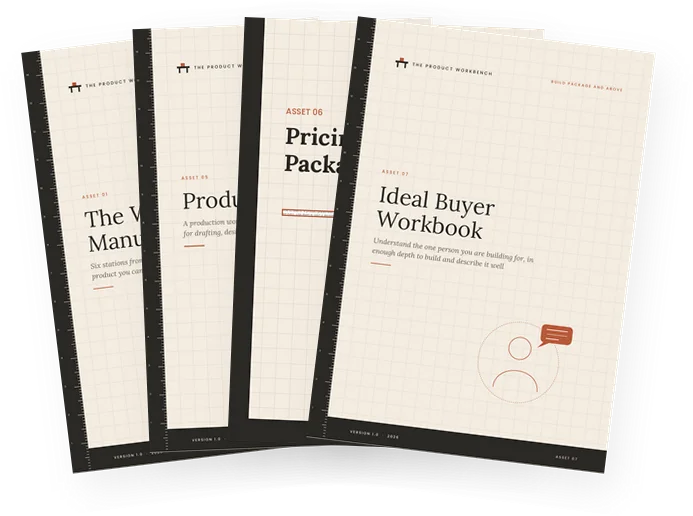
Covers of files included in the Build package

Build

For building, testing and pricing version one of your product.

€235

One-time payment. No subscription.

8 files in total. Adds:

  • Everything in Sketch
  • Product Building Kit
  • Pricing & Packaging Calculator (Excel)
  • Ideal Buyer Workbook
Get Build for €235

Instant digital download

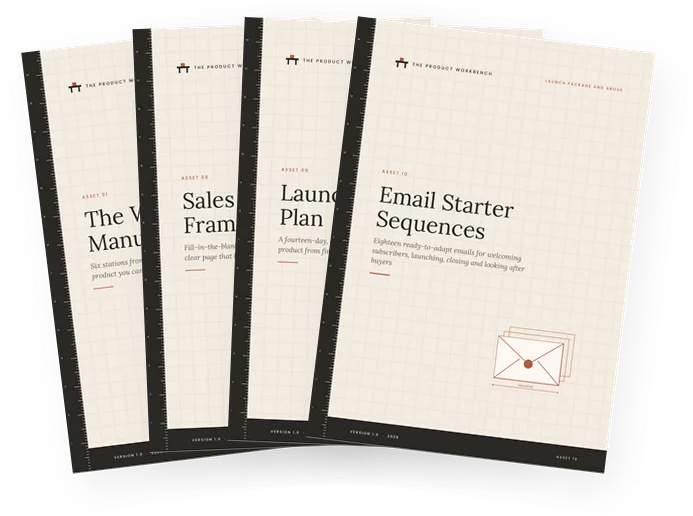
Covers of files included in the Launch package

Launch

For writing your sales page and running a calm, honest launch.

€325

One-time payment. No subscription.

11 files in total. Adds:

  • Everything in Build
  • Sales Page Copy Framework
  • Launch Countdown Plan
  • Email Starter Sequences
Get Launch for €325

Instant digital download

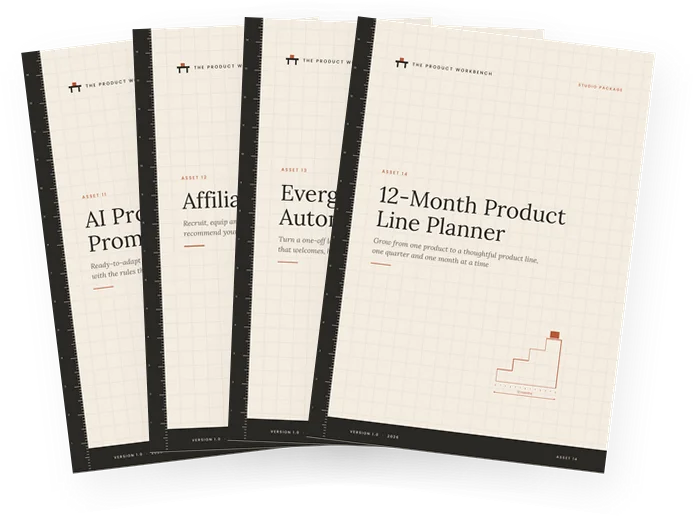
Covers of files included in the Studio package Includes every file

Studio

For an always-on system, affiliate partners and a growing product line.

€485

One-time payment. No subscription.

15 files in total. Adds:

  • Everything in Launch
  • AI Production Prompt Library
  • Affiliate Partner Kit
  • Evergreen Funnel & Automation Map
  • 12-Month Product Line Planner
Get Studio for €485

Instant digital download

Prices are shown in euros. Every package includes its own Workbench Orientation guide. Files are delivered as a ZIP download of A4 PDFs, with an Excel workbook in Build and above. The checkout is provided by our authorised reseller, Digistore24.

Every file, and what it does

No vague bonuses. This is the complete list of what you can receive, with page counts.

In every package Sketch

The Workbench Manual

The core guide. Six stations from a blank page to a finished, packaged product, with workshop tasks at every step. (40 pages)

Niche Finder Worksheets

Nine fillable worksheets to list, score and test product ideas, from your own skills to real demand signals. (26 pages)

Product Format Selector

A format quiz and profiles of ebooks, template packs, planners and mini-courses, plus an outline builder for each. (22 pages)

Setup Checklist

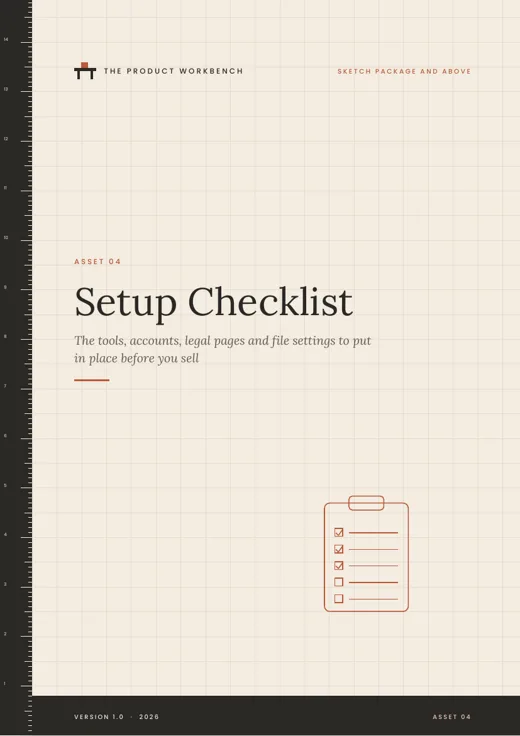
Tools, accounts, business basics, legal pages, file settings, test purchase and support, in eight checklists. (20 pages)

Added in Build and above Build

Product Building Kit

A five-pass production line with a sprint planner, drafting templates, style sheet, edit passes and release checklist. (27 pages)

Pricing & Packaging Calculator

An Excel workbook to scan market prices, check value, compare prices after fees and design tiers. (6 sheets)

Ideal Buyer Workbook

Triggers, pains, past attempts, objections and a bank of your buyer's own words, summed up on one page. (25 pages)

Added in Launch and above Launch

Sales Page Copy Framework

Eighteen page sections with fill-in templates and examples, banks of headlines and buttons, and a compliance review. (25 pages)

Launch Countdown Plan

A fourteen-day launch, one page per day, with tasks, the email to send, a tracker and a post-launch review. (23 pages)

Email Starter Sequences

Eighteen adaptable emails for welcoming subscribers, launching, closing honestly and onboarding buyers. (22 pages)

Added in Studio Studio

AI Production Prompt Library

Thirty-six prompts across the whole build, each with when to use it and how to check the result. (25 pages)

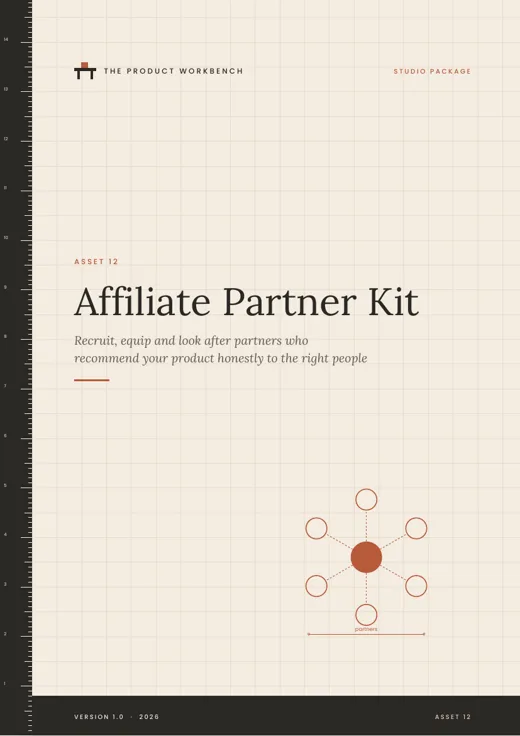
Affiliate Partner Kit

Commission planning, an affiliate page blueprint, partner swipes with disclosures, partner terms and a tracker. (24 pages)

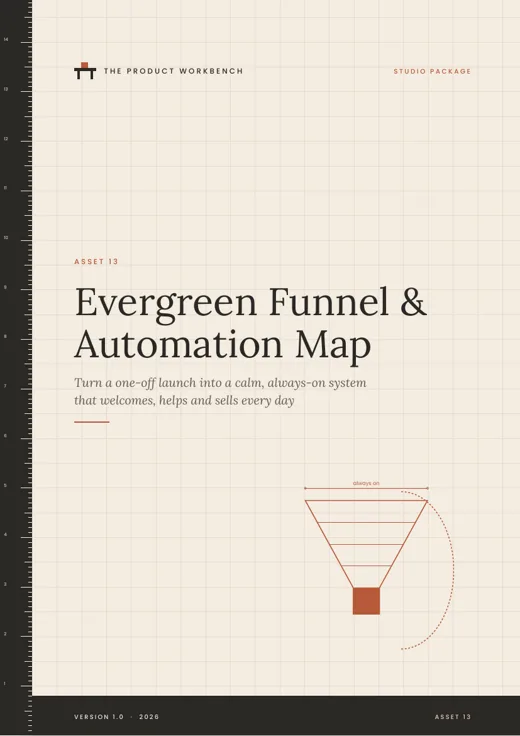
Evergreen Funnel & Automation Map

Lead magnet, opt-in page, evergreen offer emails, automation rules and monthly health checks. (20 pages)

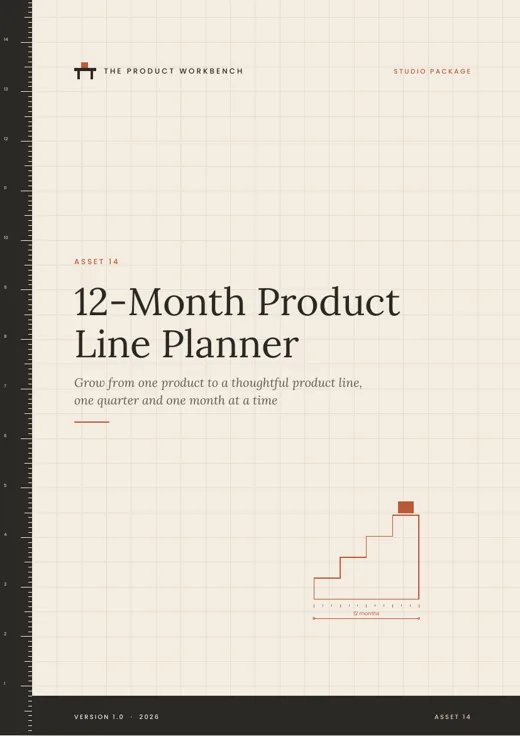
12-Month Product Line Planner

Product ladder, bundles, idea scoring, quarterly plans and twelve monthly planning pages. (36 pages)

Is it right for you?

It is for you if

  • You want to create your first digital product, such as a guide, template pack, planner or mini-course.
  • You have knowledge or experience other people could use, even if you do not feel like an expert.
  • You prefer a clear order of work and practical worksheets to more theory.
  • You can give it a few focused hours a week.

It is not for you if

  • You want a finished product or business made for you.
  • You are looking for a way to make money quickly or without effort.
  • You need legal, tax or financial advice for your situation.
  • You already sell several products and want advanced, scale-focused strategy.

60-day money-back guarantee

Take 60 days to go through your package. If it is not right for you, request a refund within 60 days of purchase and you will receive a full refund. See the Refund Policy for how to ask.

Digital, and instant

This is a digital product. Nothing is shipped. After payment, Digistore24 emails your order confirmation and download link to the address you used at checkout, usually within a few minutes.

Questions

What exactly will I receive?

A ZIP file with your package's files: A4 PDF guides and fillable worksheets, plus an Excel workbook in Build and above. The package table above lists every file. Each package starts with a Workbench Orientation guide that shows you the order to work in.

How is it delivered?

It is a digital product. Nothing is shipped. After your payment is confirmed, Digistore24, our authorised reseller, emails your order confirmation and download link to the address you used at checkout, usually within a few minutes.

Which devices and software do I need?

A computer, tablet or phone that can open PDF files. To type into the fillable worksheets, use a free PDF reader such as Adobe Acrobat Reader. The calculator opens in Excel, Google Sheets, LibreOffice or Apple Numbers. Every page also prints cleanly on A4 if you prefer pen and paper.

Is it suitable for complete beginners?

Yes. The Workbench Manual assumes no previous experience of creating or selling products. It explains each step in plain language and asks you to do one small, concrete task at a time.

How long does it take to work through?

It depends on your pace and your product. The Orientation guide suggests a path of four to twelve weeks, depending on the package, at around four to six focused hours a week. There is no deadline.

Which package should I choose?

Choose by how far you want guidance. Sketch takes you from idea to a validated, well-planned product. Build adds the tools to produce and price it. Launch adds the sales page, emails and a launch plan. Studio adds the systems for after launch. Each package is complete on its own.

Do I need to use AI tools?

No. Everything works without them. The Studio package includes a prompt library for people who want to use AI as an assistant, together with clear rules for checking the results.

Is this a one-time payment?

Yes. Each package is a single one-time payment. There is no subscription and no recurring charge.

Will this make me money?

We cannot promise that, and we do not. This product gives you education, worksheets, templates and tools. Whether a product you create sells depends on your idea, the quality of what you build, your market and the work you put into reaching people. Some products find buyers quickly, some slowly, and some need reshaping.

What if it is not right for me?

You are covered by a 60-day money-back guarantee. If the package is not right for you, request a refund within 60 days of purchase and you will receive a full refund. See the Refund Policy for how to request one.

How do I get help?

Email support@thelaunchrunway.com. We reply to every message, usually within one to two business days.

Pick up a tool and build one thing.

Choose the package that fits where you are. Start with the Orientation guide, then Station 1. Your first workshop task is in the opening pages.

One-time payment. Instant digital download. 60-day money-back guarantee.

Cover of The Workbench Manual